


Memory Orb
Memory Orb
BUNDLE & SAVE
Couldn't load pickup availability
-
Ordered
- - -
Order Ready
- - -
Delivered

Memory Orb

Free & Insured Shipping

Free & Insured Shipping
Worldwide delivery takes 8-15 working days after your order is processed (1-3 business days).
You'll receive a tracking number as soon as your order is on its way.
30-Day Satisfaction Gurantee
30-Day Satisfaction Gurantee
We guarantee you will love your charms!
We want you to shop with total confidence, which is why we offer a 30-Day Money-Back Guarantee. If for any reason you are not 100% satisfied, simply contact us.
We won't ask questions or hide fees. Our goal is for you to be happy. We will process your refund or exchange quickly and hassle-free. It's that simple!

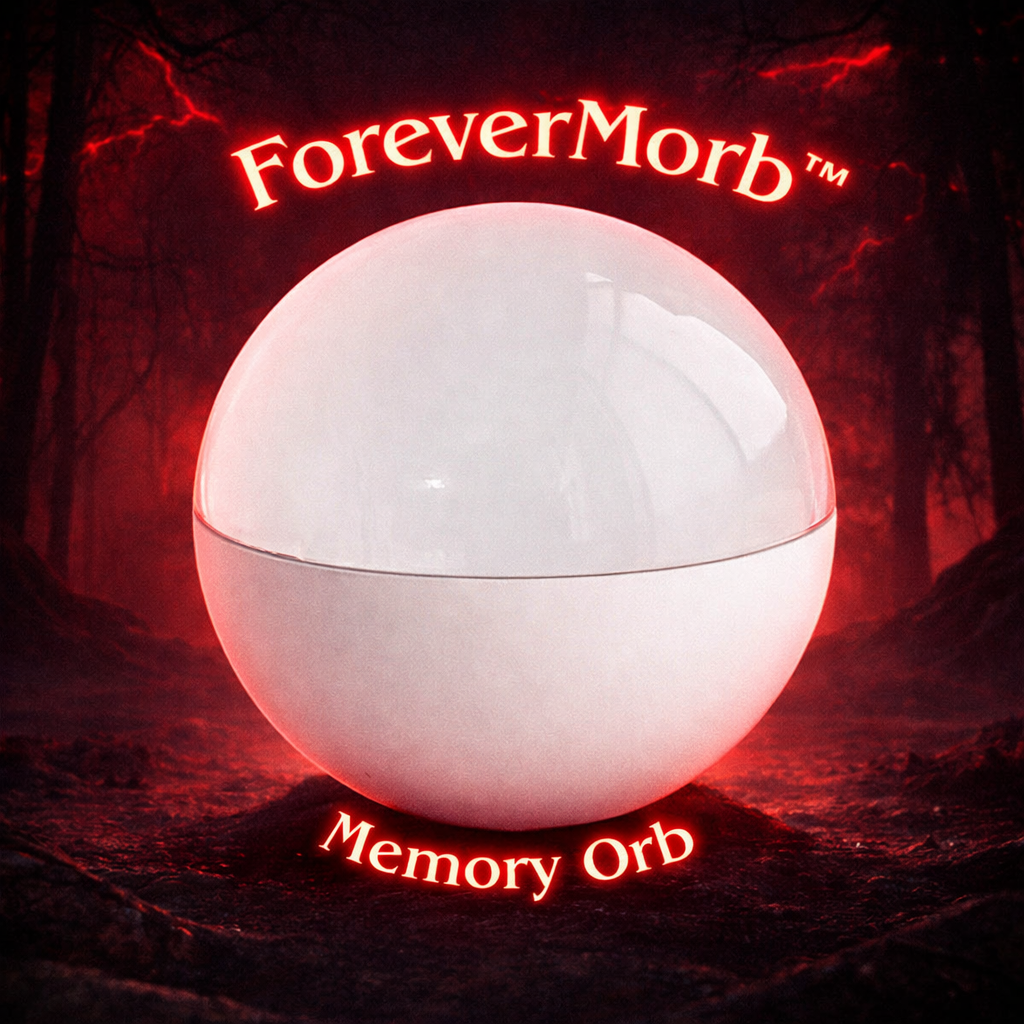
Even more impressive in the Dark!


FAQ's

What is ForeverMorb?

What is ForeverMorb?
ForeverMorb™ is a video memory sphere featuring a built-in screen and speakers. Simply connect it to your computer via USB and upload your personalized video-it's that easy.

Can I return or exchange my purchase?

Can I return or exchange my purchase?
You can request a return within 30 days of delivery if you're not satisfied.
Please refer to our return policy for more details.

Does it play sound?

Does it play sound?
Yes! ForeverMorb™ has built-in speakers, so your video plays with both picture and sound.

What video formats are supported?

What video formats are supported?
ForeverMorb™ works with MP4 and MOV files that are edited and exported using the H.264 video codec.
For the best visual fit inside the sphere, we recommend cropping or resizing your video to 480x480 pixels.
The ideal audio format is MP3 (high quality).
Your ForeverMorb™ includes a step-by-step manual with clear instructions to help you format and upload your video correctly.
You'll also receive a QR code that links to a free video-editing app in case you don't already have editing software.

Is it easy to upload the video?

Is it easy to upload the video?
Yes! Uploading is simple. Connect ForeverMorb™ to your Windows PC using the included USB cable, then drag and drop your video file into the device-just like adding a file to a USB flash drive.
ForeverMorb™ is optimized for Windows.
Mac users can still use it, but may need:
A Windows PC, or
Help from a friend or family member with a Windows computer
This is because macOS may not be fully compatible with the device's MP4 handling.
That said, Mac users have consistently been able to use ForeverMorb™ successfully with just a bit of assistance.